

Lucid in Canvas
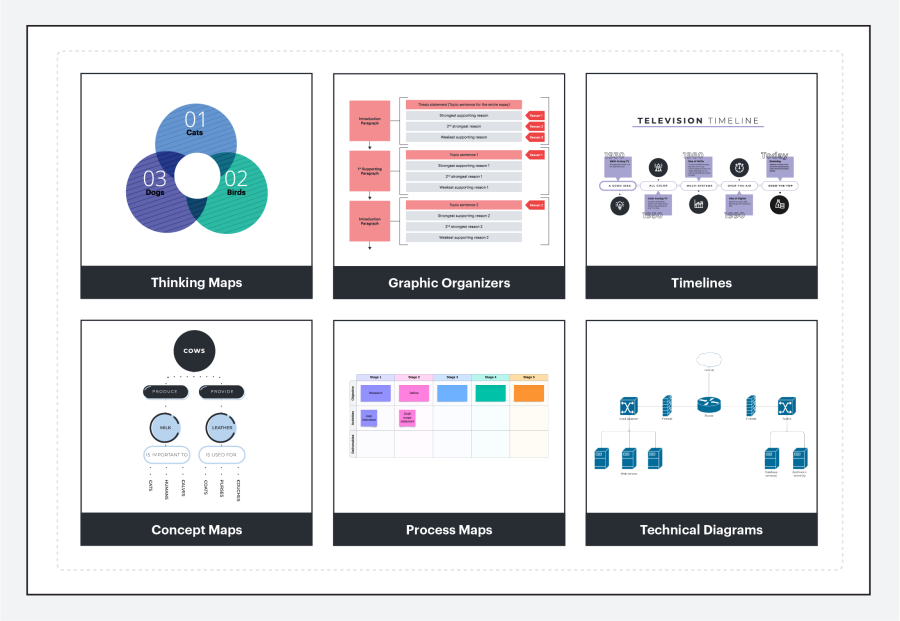
We’re excited to announce that Lucid resources are now integrated directly into Canvas, offering instructors a seamless way to bring visual learning tools to their courses. Lucid is a leading platform for creating interactive diagrams, flowcharts, mind maps, and more, helping students visualize complex ideas and work together creatively.
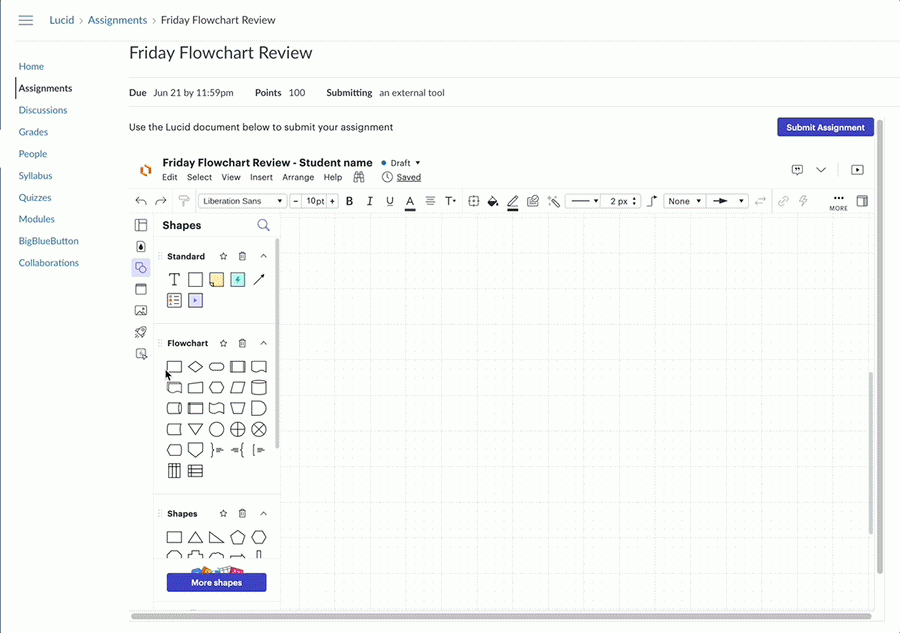
Instructors can easily enable Lucid in their Canvas courses by going to Settings > Navigation and dragging it into the course menu. Once activated, this tool is accessible to both instructors and students, providing a space for interactive learning and visual collaboration. Lucid can also be used as an External Tools assignment type if desired.
Whether you're building concept maps to explain difficult topics or encouraging group projects with shared diagrams, Lucid enhances engagement in any subject area. Take advantage of this integration to streamline student collaboration and add a new dimension to your instructional strategies. Visit Lucid’s site for more details and inspiration on how to incorporate these tools into your teaching.
For more information, visit the Using Lucid in Canvas website.